[mediaplayer src=http://www.aroundmyroom.com/wp-content/video/wreis1.wmv]
part 1, Melbourne, Sydney ..
[mediaplayer src=http://www.aroundmyroom.com/wp-content/video/wreis1.wmv]
part 1, Melbourne, Sydney ..
the update of Plesk 9.01 is causing a serious issue on the firewall.
Trying to activate the firewall is causing an error message: proc_close() failed: mktime()
Unfortunately 2 IP’s I configured to use SSH were changed: 1 DSL IP due to moving our office and 1 DSL IP due to change at my ISP. oh oh .. no IP allowed to use SSH anymore.
With the help of Tommy Leushuis of Leaseweb I managed to turn off the firewall (yeah). Stopping the firewall made me able to use SSH again.
problem lays here: /usr/local/psa/var/modules/firewall/
the file firewall-active.sh is not updated. Changing manually the file and run it is activating the correct configuration again. Using the firewall commands from the plesk web interface is not possible. Cause all changes made by another script is overwritten by the firewall-active.sh again.
I changed the firewall-active.sh ran it and started the firewall again. Problem Solved!
After 1 hour trying, pressing multiple times the powercycle button in the service-center I am up again
of course the firewall is not ok yet ;-)
Nico, CFULLDHMA gebruiker heeft een hele mooie Uitzending Gemist Top 50 implementatie gemaakt om zo deze uitzendingen op de CFULLHDMA te bekijken.
Voer in de IMedia van de CFULLHDMA de volgende URL in:
HWICS://www.aroundmyroom.com/dma-vcr/folder.xml
Hierna kun je de top50 van Uitzending gemist bekijken op je CFULLHDMA
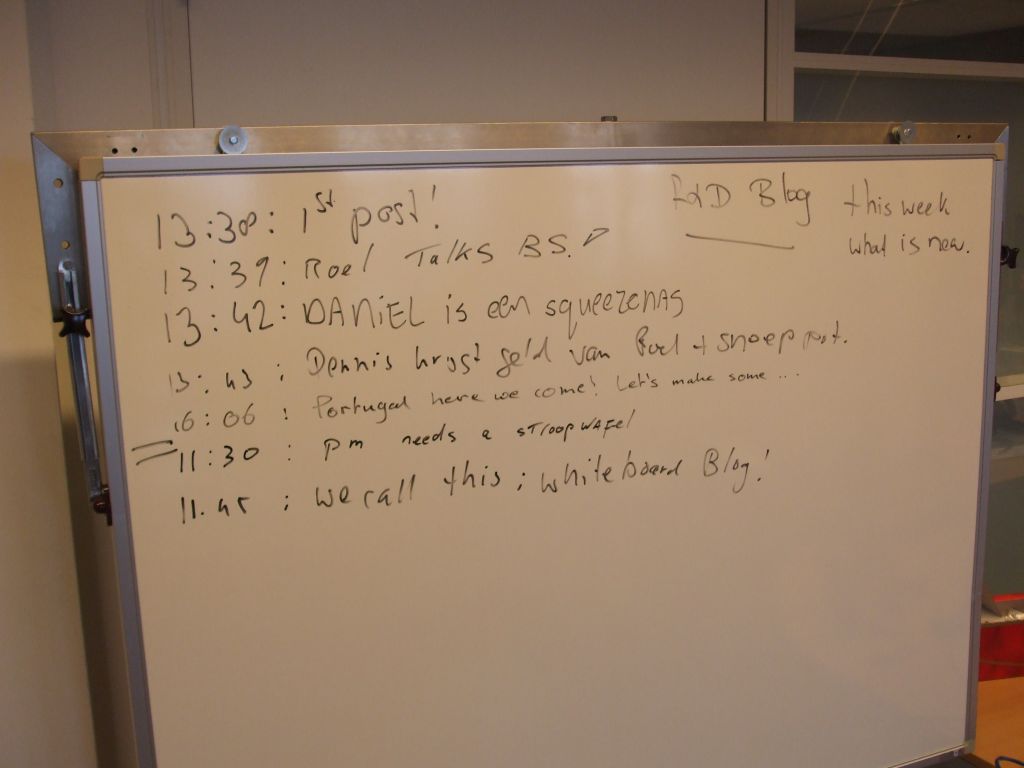
New initiative in offices: (when networks are down for example) the Whiteboard Blog ! ;-)
Using a Conceptronic Mediagiant and you want to save your settings before a firmware upgrade? Here is how you can do it
A forced firmware upgrade is deleting all settings, but with a script it is possible to save the information. (and possible it will allow you to do more things).
1. Copy the shooting.sh file to an USB Flash Drive (use link to save the file)
2. Insert USB Flash Drive into the MediaGiant
3. Goto the Copy page and focus on the shooting.sh file
4. Push on your remote the GOTO button and than push the REPEAT button (you see 2x the invalid icon) the configuration is being backupped.
5. The device will be rebooting, after the reboot than you can do the firmware upgrade.
6. When firmware upgraded is finished, please go into the Copy page and focus on shooting.sh again
7. push on your remote control the GOTO button thanpush REPEAT button the configuration is restored, device will reboot
Please be noticed: the script is creating a ‘VenusSetup.dat’ file on your HDD, you have to REMOVE after your settings are restored.Cause if exist a next time it will use that file for your settings. Even if you have made changes afterwards
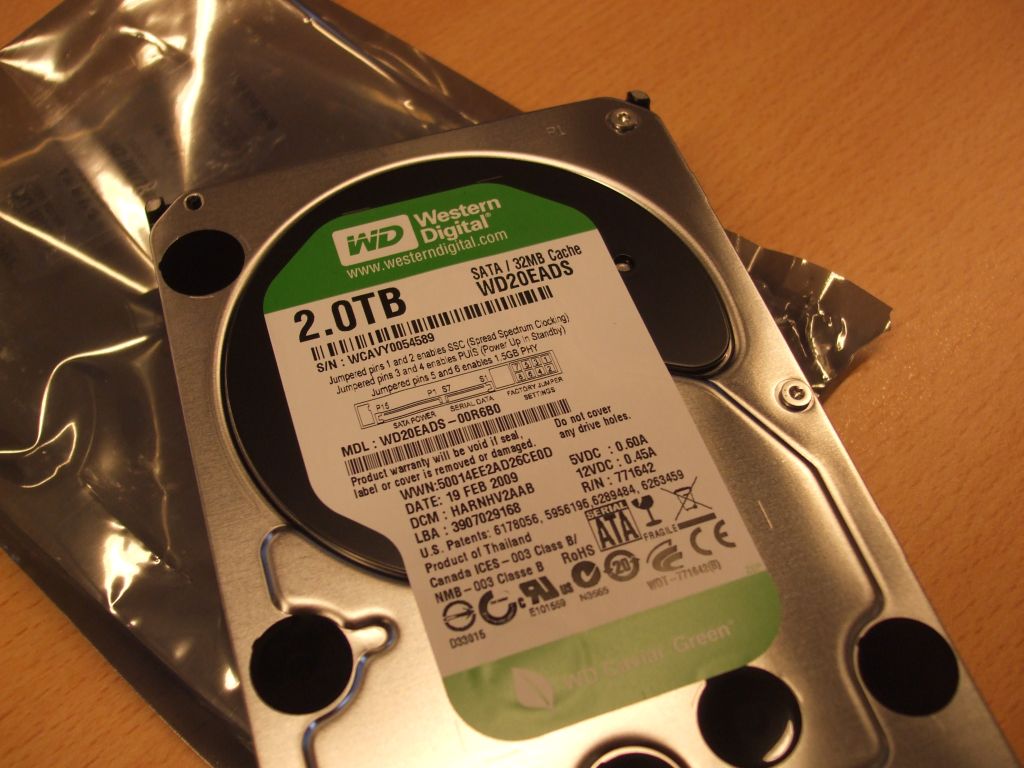
just received a number of 2.0 TB
I am searching for a High Definition (1080p) Video Camera. But I have no clue what to choose: Sony, Canon, JVC ?
I do not want to have a big one (like the ones you need to put on your shoulder)
A wide Angle view (groothoek) must be available if possible. and of course it must give great video ..
Anyone a thought?
I hate LNB’s to be honest. Quads and Quattro LNB’s .. stupid naming where there is a good difference between the usage of the LNB.
Finally understood and got the damn thing working. Thanks Daniel !